Resolution
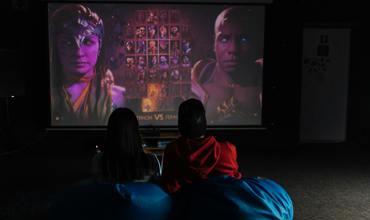
Select a resolution (e.g., 1080p, 4K) based on your content needs and viewing distance for sharp, clear images.
Video projectors transform any space into a cinematic experience, offering high-quality visuals for movies, presentations, and gaming. With various technologies and features, there's a projector for every need and budget.
Popular types include DLP, LCD, and laser projectors. Each technology offers unique benefits, such as high contrast, vibrant colors, or long-lasting light sources, catering to different environments and uses.
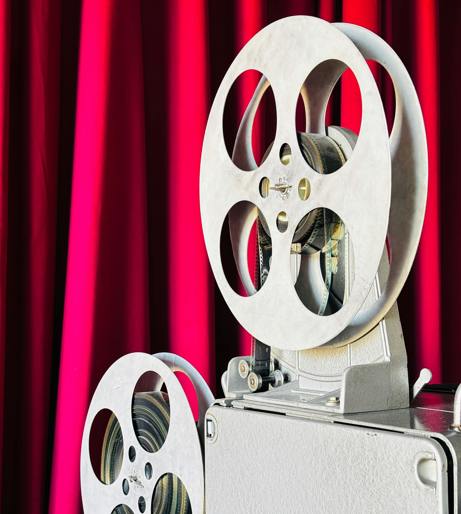
Choosing the right video projector involves understanding key factors like resolution, brightness, and throw distance to ensure optimal performance in your space.
Select a resolution (e.g., 1080p, 4K) based on your content needs and viewing distance for sharp, clear images.
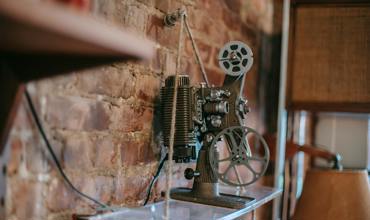
Choose the right lumens for your environment—higher brightness for well-lit rooms, lower for dark spaces.
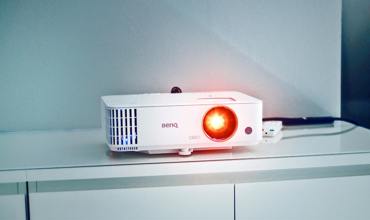
Match the projector's throw ratio to your room size for the perfect screen size without distortion.
Explore advanced features like lens shift, keystone correction, and smart connectivity to enhance your viewing experience and simplify setup.
Adjust the image vertically or horizontally without moving the projector for perfect alignment.
Correct image distortion caused by angled projection for a rectangular display.
Stream content directly from devices via Wi-Fi, Bluetooth, or HDMI for seamless integration.
Enjoy immersive 3D content with compatible projectors and active shutter glasses.
Laser and LED projectors offer up to 20,000 hours of lamp life, reducing maintenance costs.
Compact and lightweight models are perfect for on-the-go presentations or outdoor movie nights.
Use a high-gain screen to enhance brightness in well-lit rooms without sacrificing image quality.
Position your projector to avoid shadows and ensure a clear, unobstructed image path.
Invest in a universal remote or smart home integration for effortless control of your setup.
Whether you're setting up a home theater or a professional presentation space, these elements ensure a top-notch projector experience.
| Element | Description |
|---|---|
| Screen | Choose a screen type (fixed, motorized, or portable) and material (matte white, gray) to match your room's lighting. |
| Audio | Pair your projector with external speakers or a soundbar for immersive audio quality. |
| Placement | Ensure the projector is securely mounted or placed on a stable surface to avoid vibrations. |
| Cabling | Use high-quality HDMI or VGA cables to maintain signal integrity and minimize interference. |
| Maintenance | Clean the lens regularly and replace filters as needed to maintain optimal performance. |
| Ambient Light | Control room lighting to enhance contrast and image clarity, especially for HDR content. |
With the right setup, your video projector can deliver stunning visuals for years to come, making every viewing experience memorable.